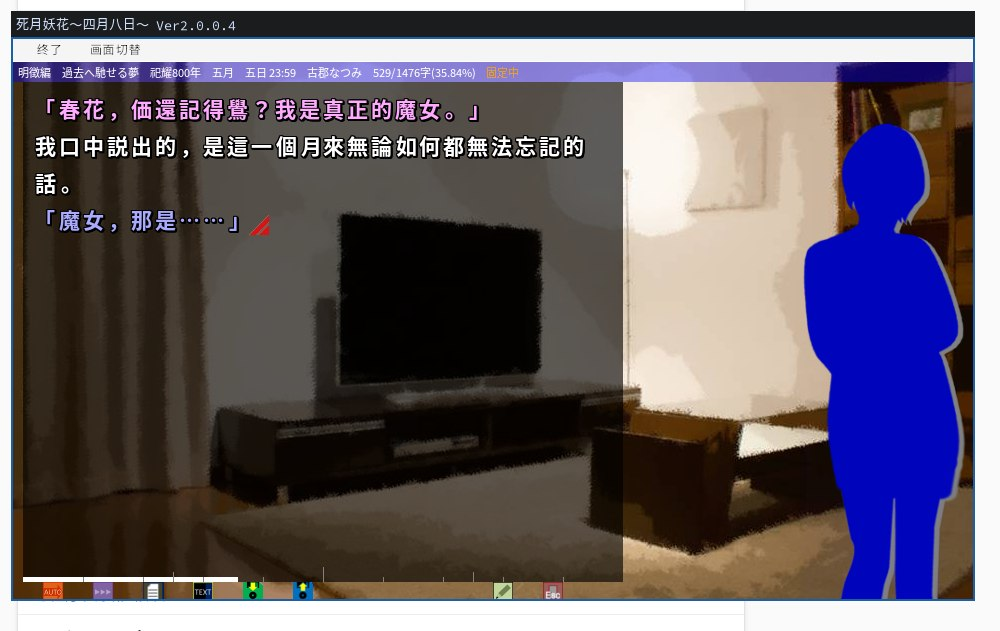
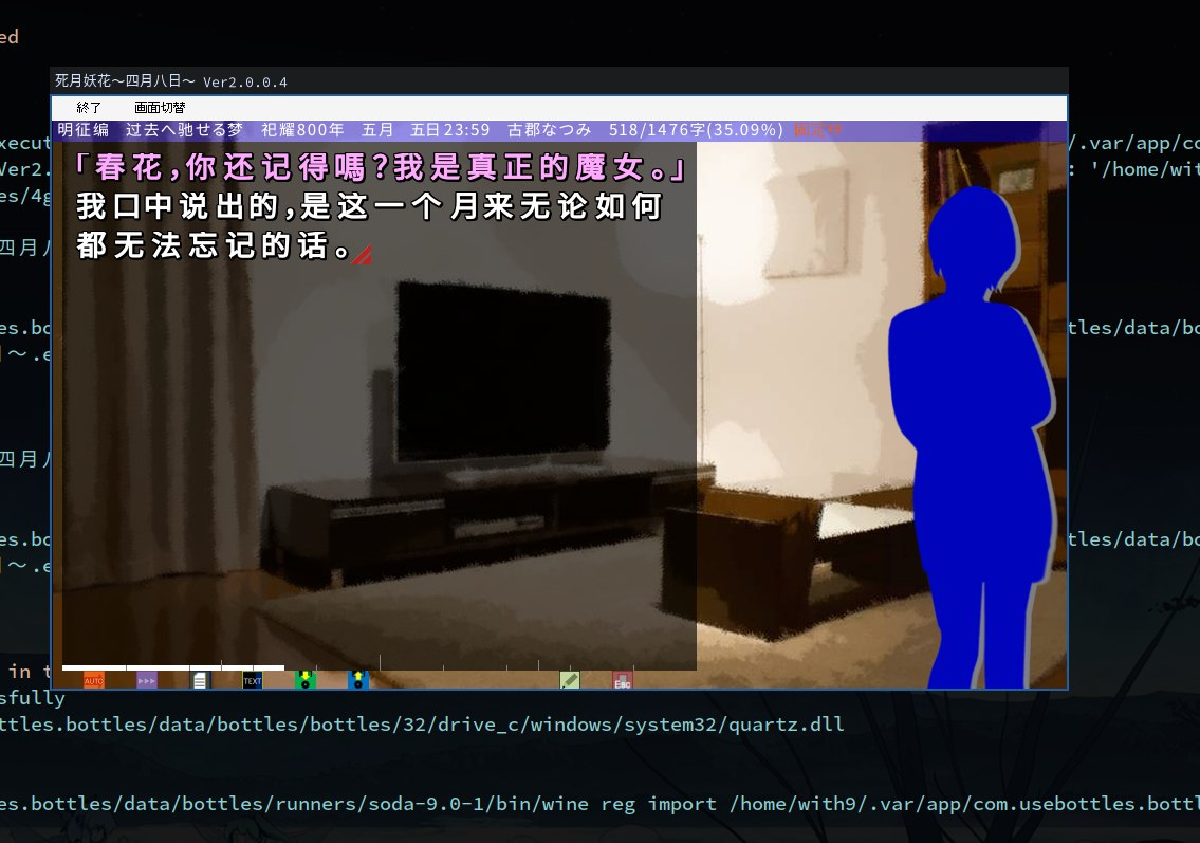
运行原版 #
游戏下载: 死月妖花~四月八日~
安装配置bottles,必须用flatpak版本的,非flatpak安装会无法运行游戏,咱目前不清楚具体原因。
flatpak install com.usebottles.bottlesflatpak config --set extra-languages ja与之后配置的LC_ALL环境变量有关flatpak update会自动安装一些locale相关的包
新建bottles
- 选择自定义32位架构,运行器选择
soda-7.0 - 安装
cjkfonts或复制msgothic.ttc到环境的drive_c/windows/Fonts/下 - 环境变量:
LC_ALL=ja_JP.UTF-8
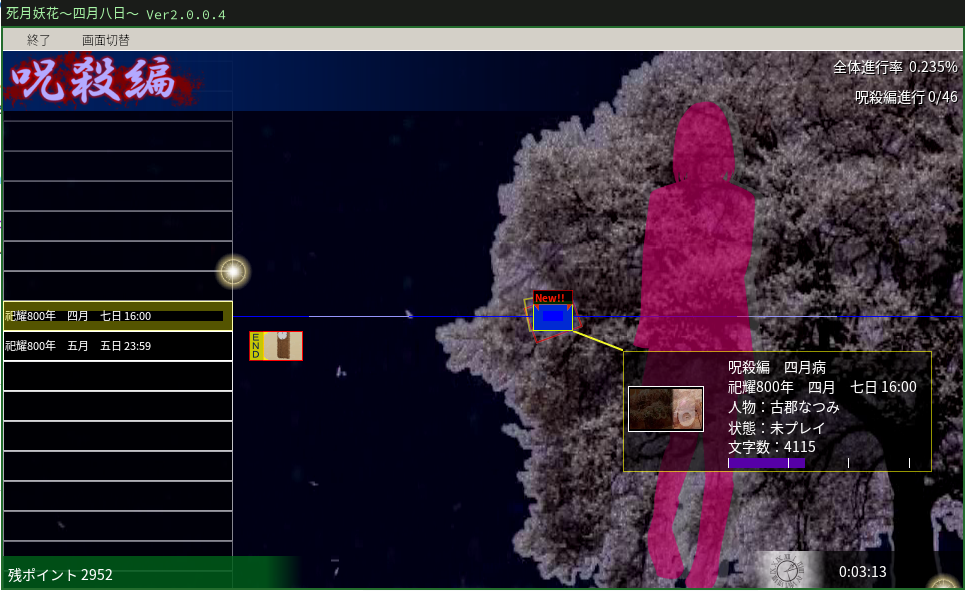
汉化安装与配置 #
汉化补丁下载参考该专栏: 死月妖花~四月八日~ AI汉化补丁,先将补丁内文件复制到本体游戏文件夹内。
伪装字体
该汉化补丁通过 StringReloads 劫持游戏的 DSOUND.dll 实现字体替换。折腾过程中发现:
-
Soda 9.0 (32-bit) 环境下,配合 dotnet48 与 quartz,通过配置 dsound (n,b) 可以成功加载汉化补丁并实现字体替换。但由于 quartz 与游戏过场动画存在兼容性问题,导致序章结束时卡死。
-
Soda 7.0 (32-bit) 虽然能绕过卡死,却无法正常加载汉化字体。在尝试注册表替换等多种手段均告失败(表现为加载补丁字体即黑屏)后,发现利用 FontForge 脚本将原版 MS UI Gothic 的元数据注入到补丁字体中就可以正常运行了,下面的代码是gemini帮忙写的。
# by gemini
import fontforge
from fontTools.ttLib import TTCollection

# 1. 打开母本
collection = TTCollection("msgothic.ttc") #https://github.com/FSKiller/Microsoft-Fonts/raw/refs/heads/main/msgothic.ttc
base_font = collection.fonts[1]#MS UI Gothic
base_font.save("MSUIGothic.ttf")
base = fontforge.open("MSUIGothic.ttf")

# 2. 打开字形来源
source = fontforge.open("MSPGothic.otf")

# 2. 劫持基础标识信息
source.fontname = base.fontname
source.fullname = base.fullname
source.familyname = base.familyname
source.version = base.version
source.copyright = base.copyright

# 3. 深度劫持 OS/2 表和头信息
# 拷贝 Ascent/Descent 确保排版一致
source.ascent = base.ascent
source.descent = base.descent
source.upos = base.upos
source.uwidth = base.uwidth

# 4. 劫持所有的 Name Records
source.sfnt_names = base.sfnt_names

source.generate("msgothic_patched.ttf")

base.close()
source.close()
配置 bottles 环境
- 选择自定义32位架构,运行器选择
soda-7.0 msgothic_patched.ttf字体文件复制到环境的drive_c/windows/Fonts/下- 环境变量:
LC_ALL=ja_JP.UTF-8
点击 bottles 内的浏览,将包含补丁文件在内的游戏目录移动到 bottle 内的 drive_c/Program Files 下,并添加快捷方式,不出意外应该就可以正常运行了。
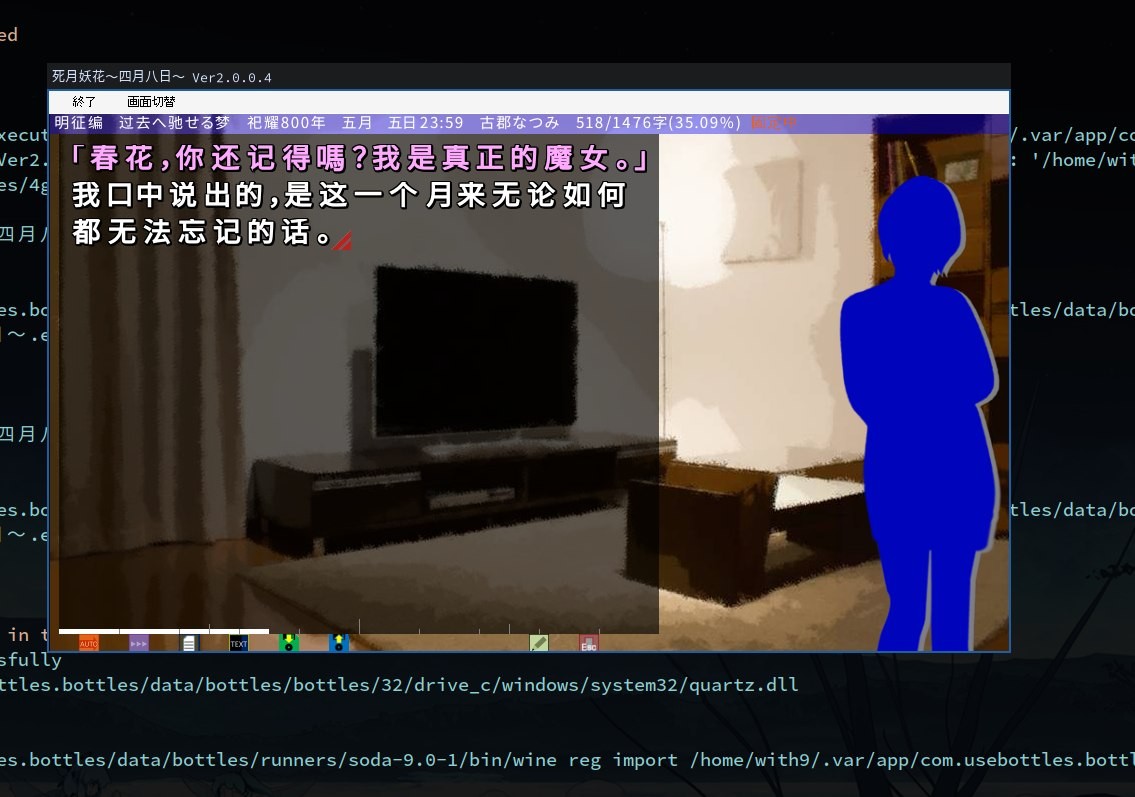
因为是通过伪装字体的形式实现的字体替换,建议本bottles环境只运行此游戏就好。
已知可能问题 #
-
咒杀篇前卡死: 可能是用了较高版本的soda或未正确选择32位环境.
-
字体中部分乱码: 字体未伪装成功